Blender Advanced: Cargo Spaceship
Video Preview:
Overview:
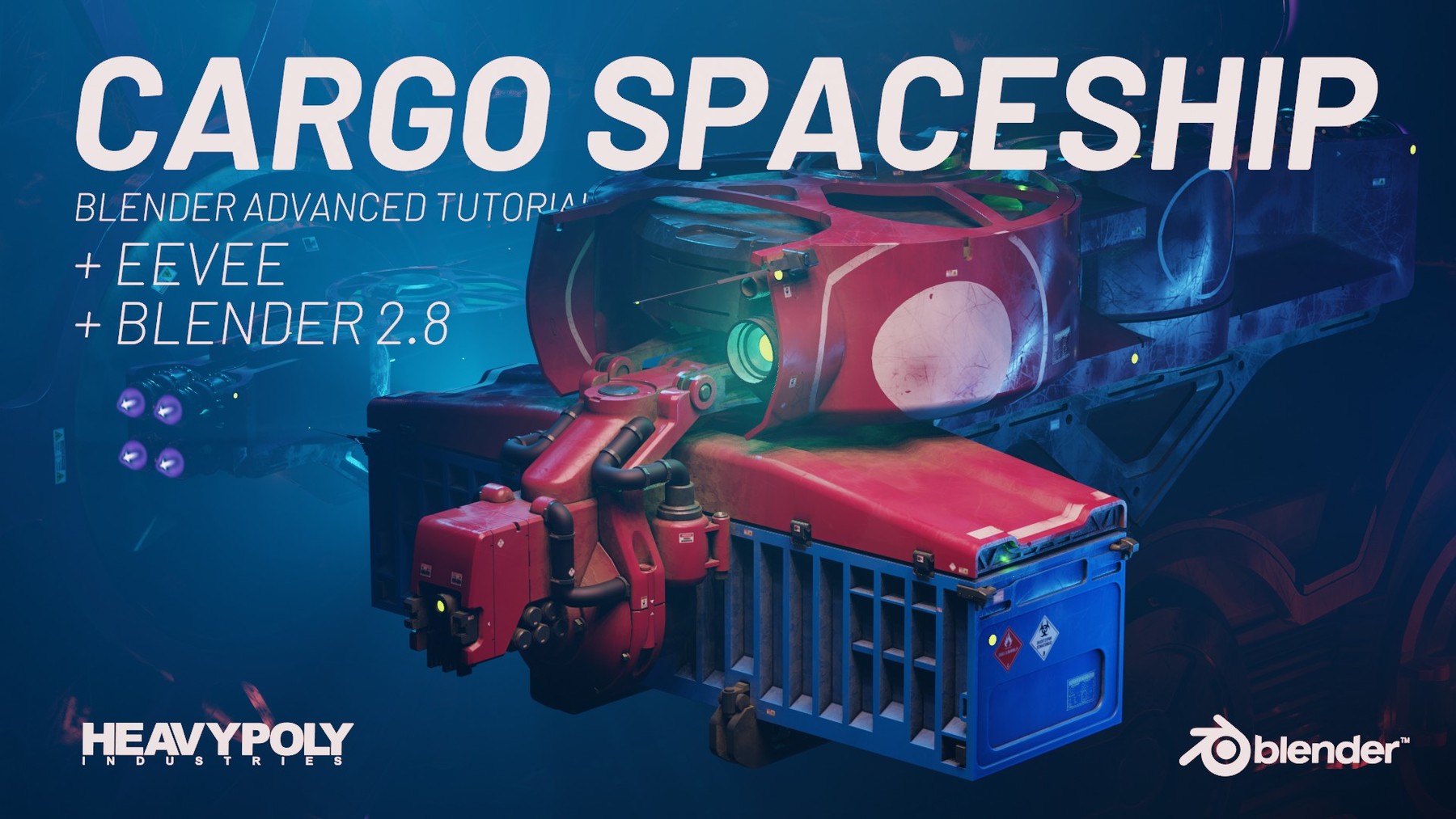
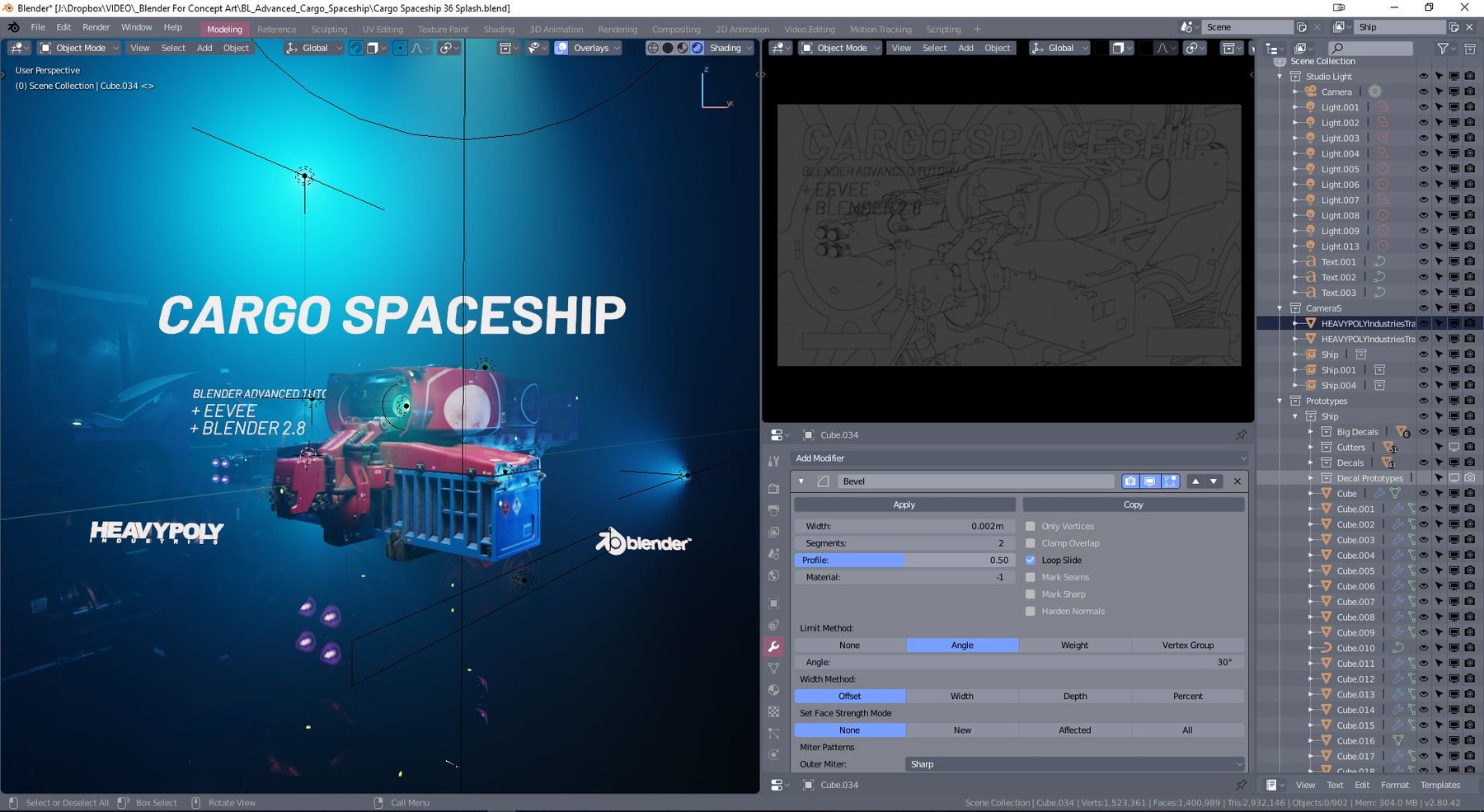
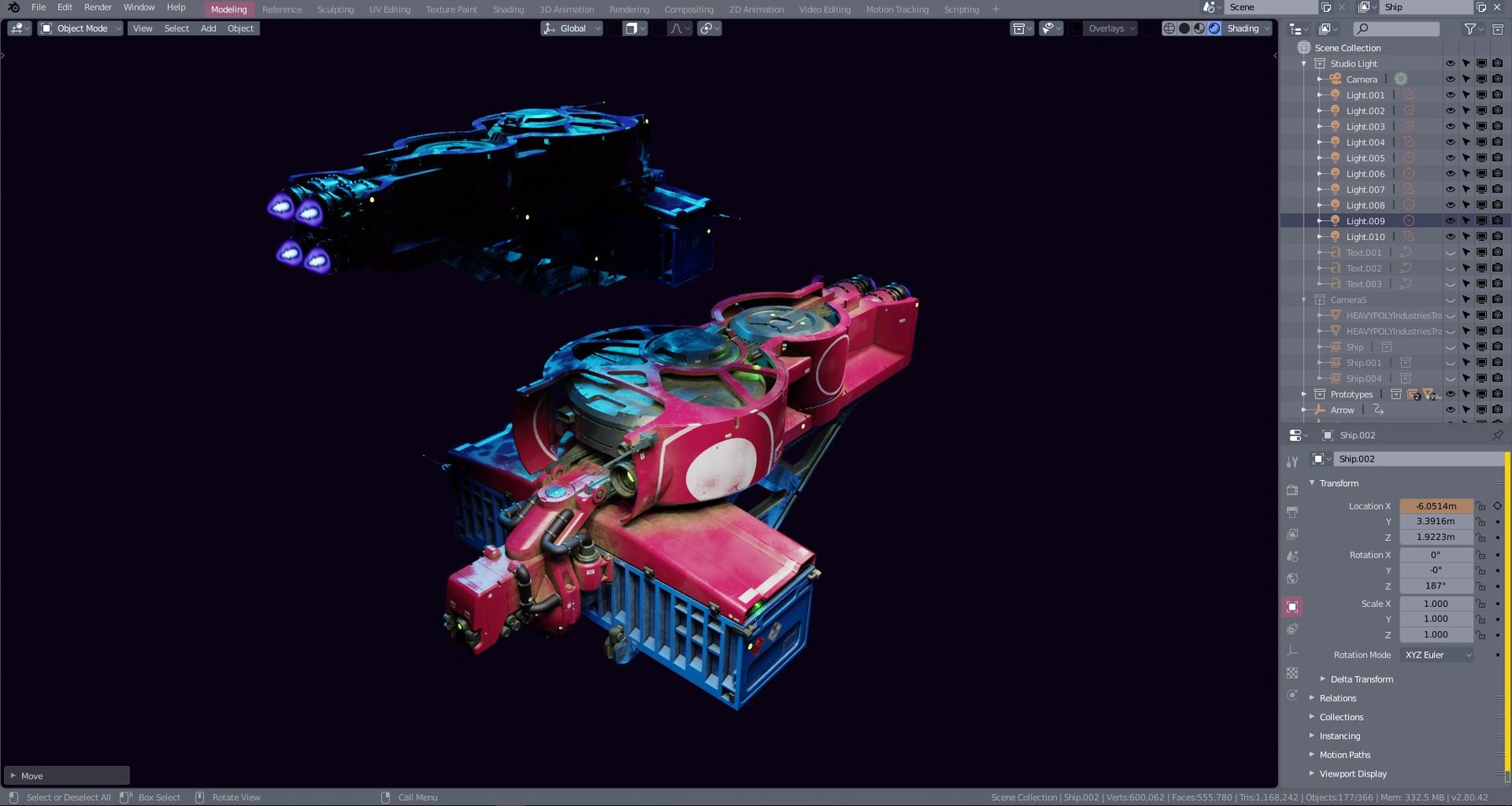
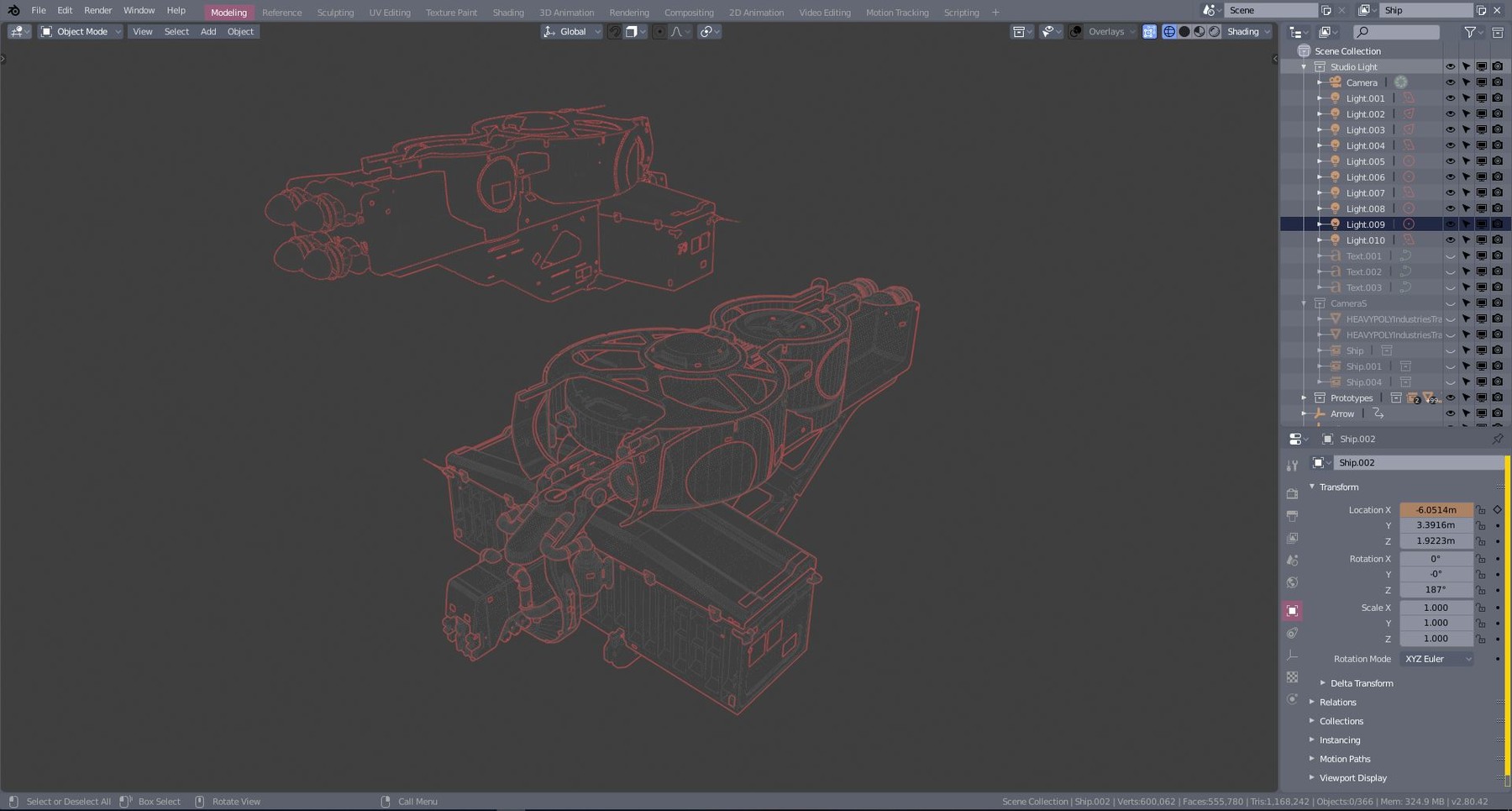
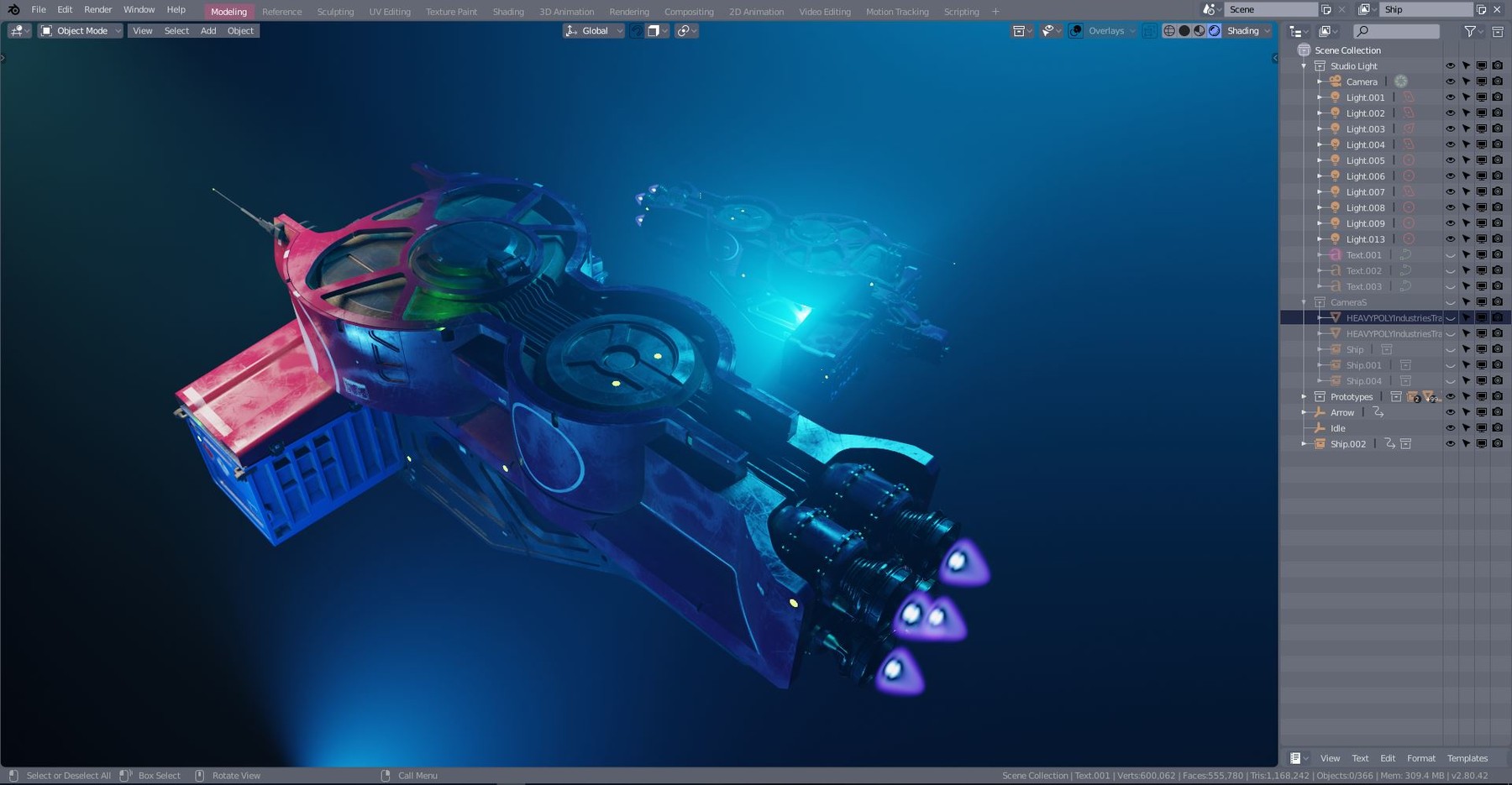
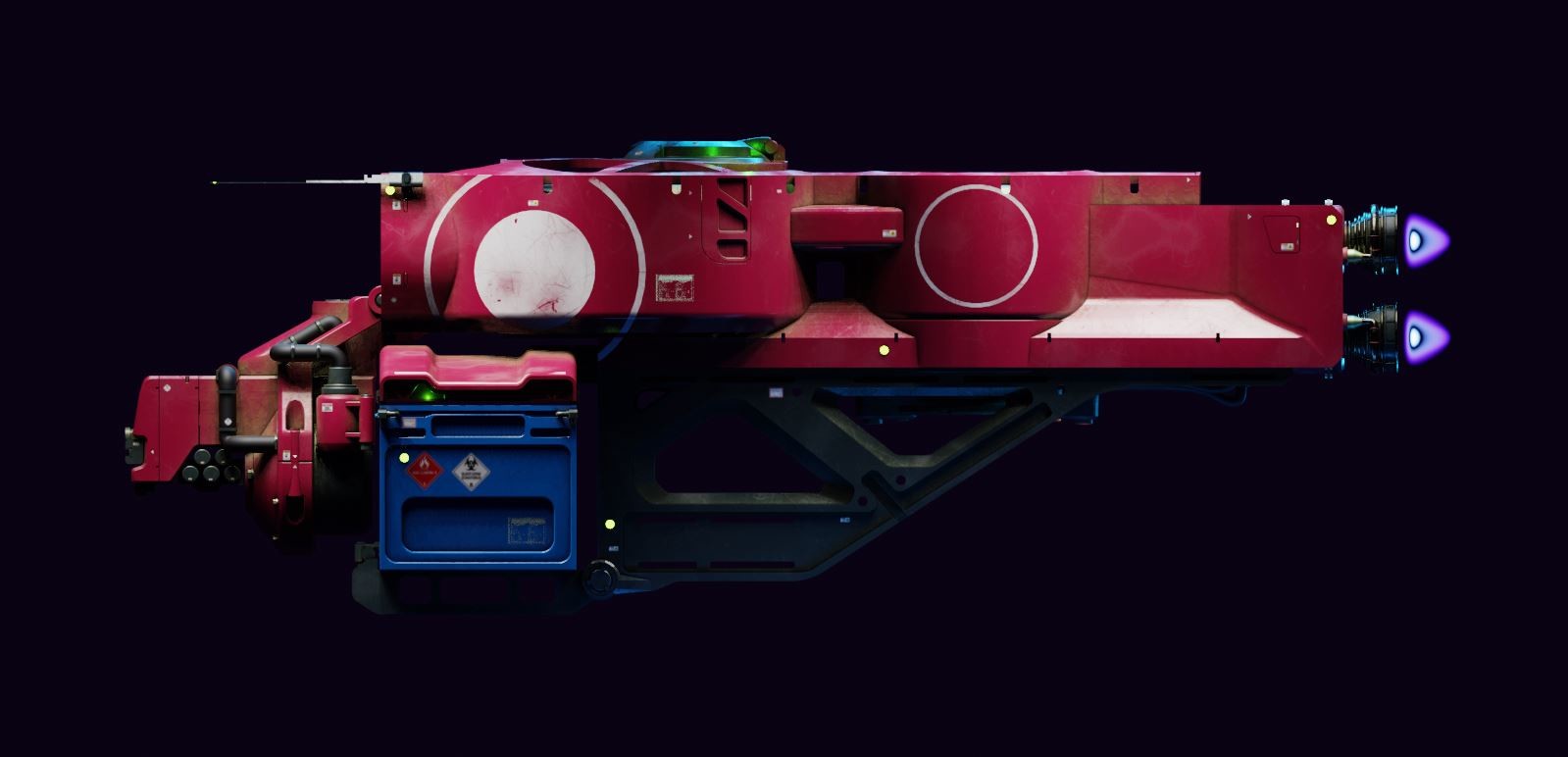
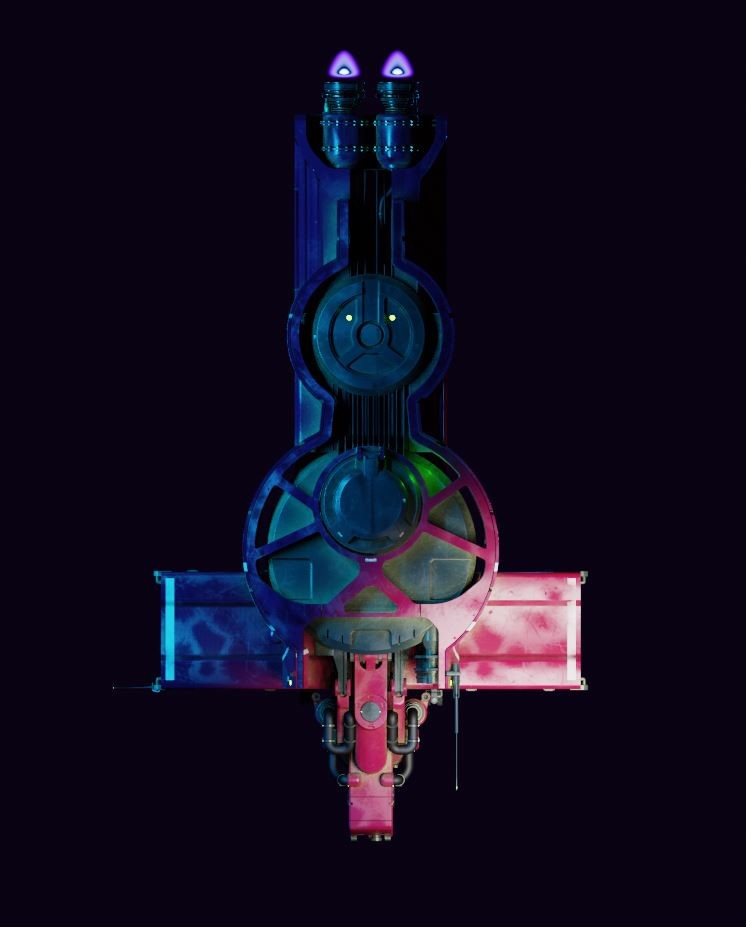
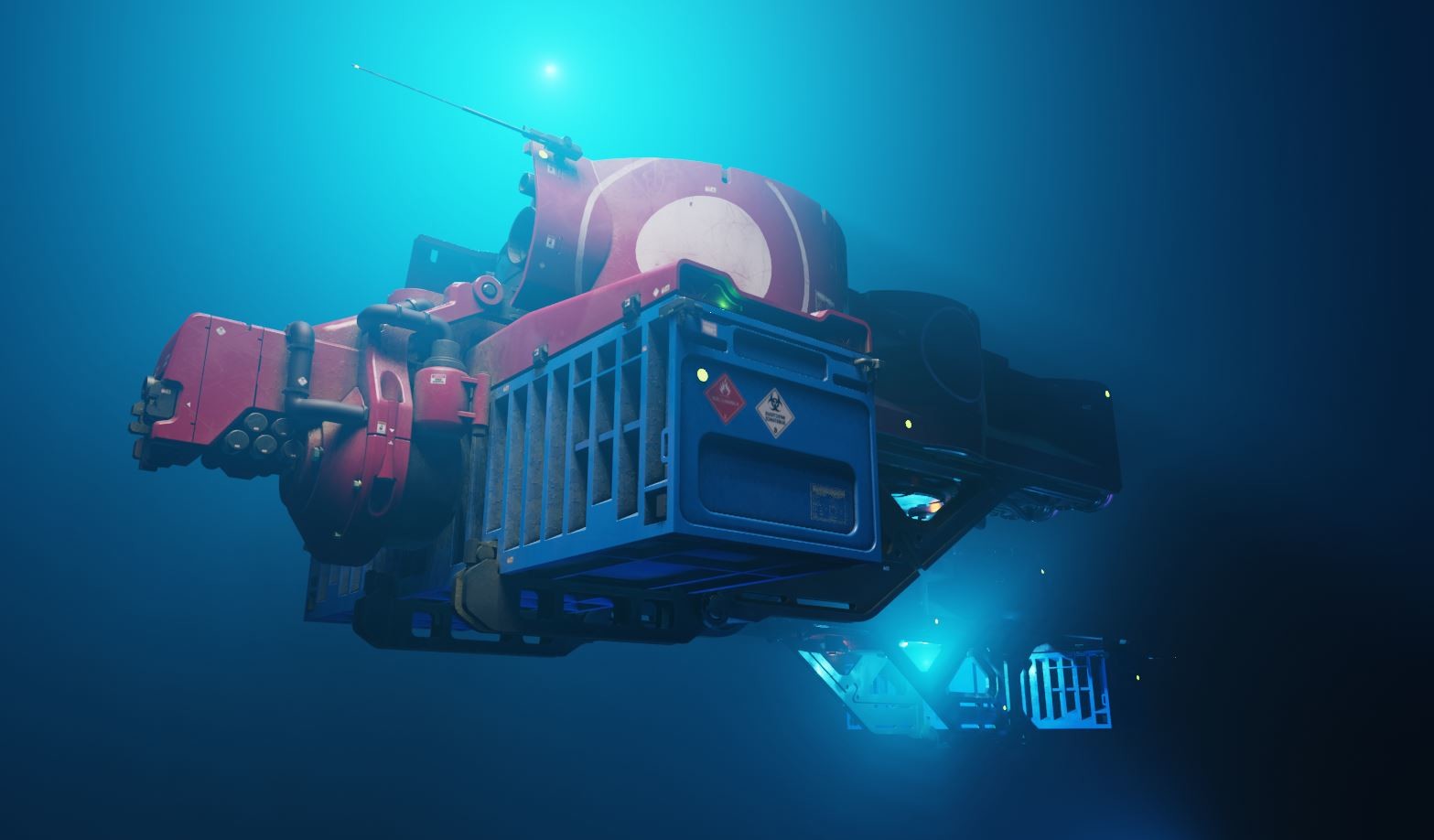
In this series we'll be covering the entire process of creating the cargo spaceship from scratch, including modelling, weathering, decals, lighting, rendering and a bit of simple animation to bring it to life.
We'll go step by step in short digestible video sections, each lasting about 10 minutes. Each video also has a corresponding .blend file to go with it, so you can take breaks or start at any point in the process.
Who is this for:
Artists/designers who want to use 3D as a design tool, but aren't yet comfortable with 3D. Complete beginner or Intermediate level can complete this series. Every step is explained in detail, but there are also alot of workflow tricks that might save time for the more advanced user. We will be using HEAVYPOLY config which is designed to make learning Blender faster, and is included with this tutorial.
About the instructor:
Vaughan is a visual development artist working in feature animation, specializing in sets, vehicles and props. His credits include Spiderman: Into the Spiderverse, Tron: Uprising, Lego: Ninjago Movie, Lego Movie 2, and 'Love, Death, and Robots: The Witness'. He has taught at Concept Design Academy, Brainstorm school and Art Center College of Design.
Topics Covered:
Ship Block Out
Container Boolean Cuts
Neck Pipes
Spaceship Detailing
Main Triangle Truss
Geo Text
Assigning Materials
Procedural Dirt Paint Shader
Decals
Bevel Modifier
Fixing Boolean Glitches
Node Groups
Rocket Details
Booster FX
Easy Graphics
Collection Instances
Volumetric Atmosphere
Driveby Animation
Camera Animation
Switching Cameras
Lighting
Final Render
Product Details:
All Tutorial Models, Images and Textures
1920x1080 HD Video, downloadable forever
37 Video sections
Final .Blend render scene + .Blend for each video step
Avg video section length: 10 minutes
Total Runtime Over 9 hours
Save $38 with Blender for Concept Art:
Release Notes
Added HEAVYPOLY config Install instructions